

Nintendo dropped a notable system update for the Nintendo Switch 2 today. Version 22.0.0 comes loaded with a ton of quality-of-life additions. One feature stands out above the rest: Handheld Mode Boost, a new toggle that lets your original Switch library run at full power even when you’re playing on the go.
What Else Is New in Update 22.0.0?
Beyond the headline feature, update 22.0.0 brings a solid batch of additions across the board. You can now save private notes about friends on your Friend List—notes that are invisible to those friends—and those notes can also be viewed and edited through the Nintendo Switch App on version 3.3.0 or higher. GameChat gets some notable improvements as well. This includes the ability to invite friends to active GameChat rooms and improvements to the quality of the shared game screen when expanded.
A few smaller but appreciated additions round out the update. When watching full-screen video in News or the Nintendo eShop, you can now rewind or skip ahead 10 seconds using the ZL and ZR Buttons. The Album app also gains new auto-upload options for clip videos, videos saved as screenshots, and screenshots with added text.
On the storage front, you can now see a breakdown of storage capacity by data type for both system memory and any inserted microSD Express card. Airplane Mode gets a quality-of-life bump as well. Previously set preferences for Bluetooth, Wi-Fi, or NFC in Airplane Mode will now be saved and reapplied, and each can be toggled individually from Quick Settings.
Handheld Mode Boost — TV-Mode Performance in the Palm of Your Hand
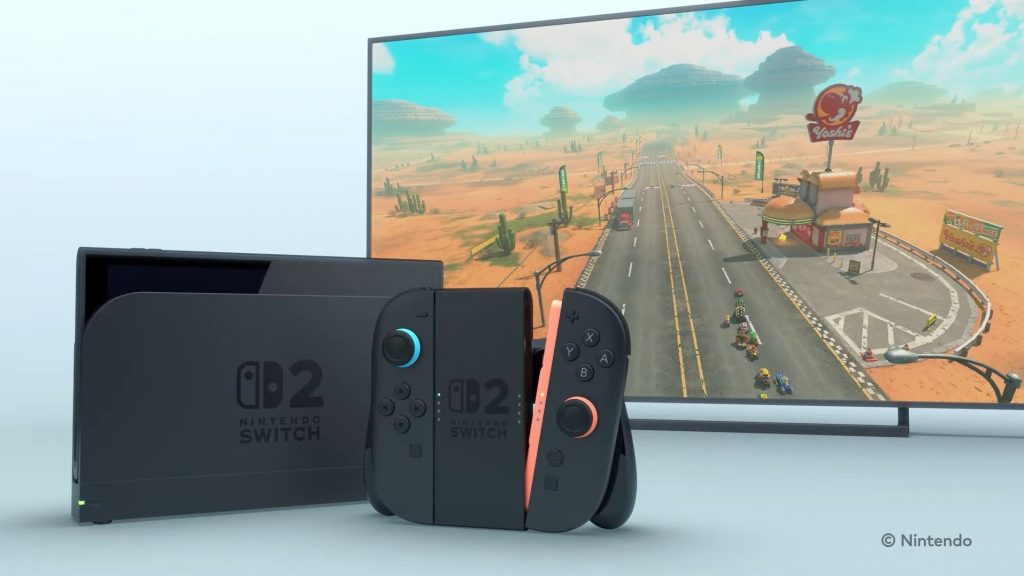
Handheld Mode Boost is a new game-changing feature. When enabled, it causes the performance of Nintendo Switch software while undocked to run as if it were being played in TV mode. For handheld-first players who’ve tolerated the 720p locked visuals, this is a genuinely meaningful upgrade.
While enabling the setting can result in improved visuals, it may also increase the system’s power consumption, so battery life is the natural tradeoff. There are also some important caveats to keep in mind. The effect of Handheld Mode Boost will vary based on the software, and some Nintendo Switch software will be unaffected. The option also has no effect on software built specifically for Nintendo Switch 2. This is a legacy compatibility feature designed to close the gap between how original Switch games ran docked versus undocked—not a universal performance mode for the whole library.
There are a couple of functional quirks worth noting as well. Handheld Mode Boost may prevent Nintendo Switch software from using the system’s touch screen, and will cause attached Joy-Con 2 controllers to be treated as a Nintendo Switch 2 Pro Controller. If you need touch screen functionality or want to use your Joy-Con 2 in their standard handheld configuration, you’ll want to keep the feature toggled off. To use other controllers, you’ll need to detach the Joy-Con 2 controllers from the console first.
A Great Reason to Revisit Your Backlog
Handheld Mode Boost is the headline here, and rightfully so. The Switch 2 already had a strong value proposition for Switch owners through backward compatibility, but the ability to squeeze TV-mode performance out of your favorite original Switch titles while playing handheld is the kind of update that makes revisiting your backlog feel genuinely fresh. Just keep a charger nearby.
